

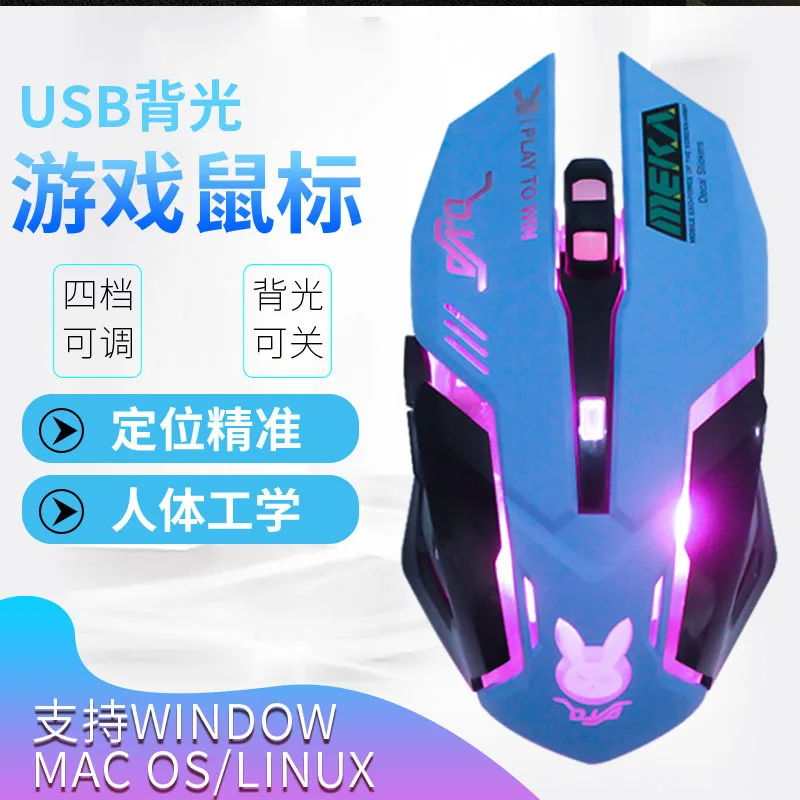
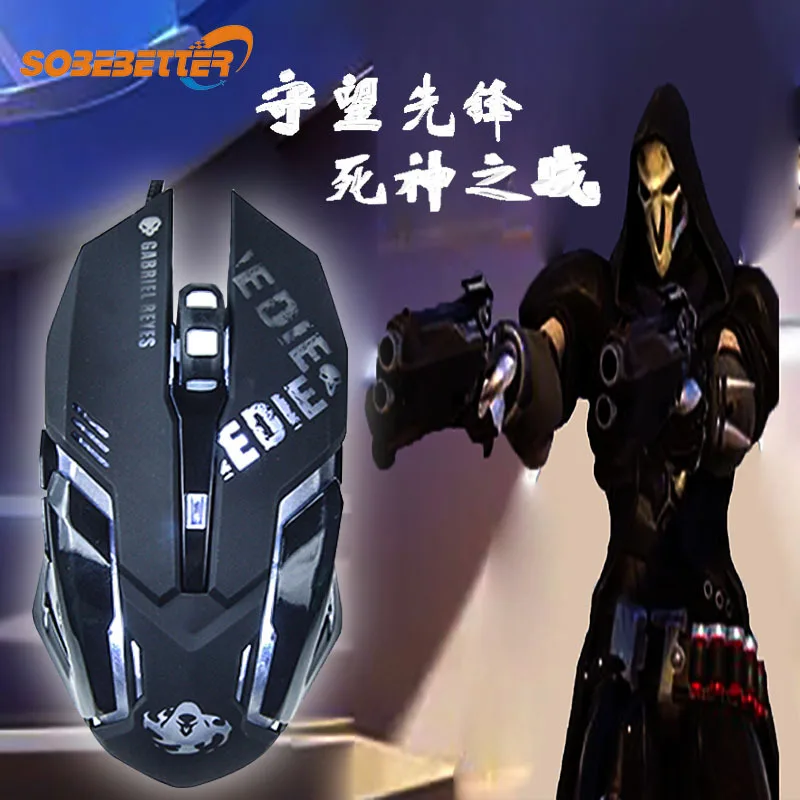
Blue gaming mouse anime peripheral equipment wired breathing lamp game e-sports game DVA optical mouse


Blue gaming mouse anime peripheral equipment wired breathing lamp game e-sports game DVA optical mouse
SPECIFICATIONS
Adjustable Resolution: The Third Gear and the following
Applicable Models: Desktop
Battery Included: No
Brand Name: NoEnName_Null
Characteristics: Gaming Mouse
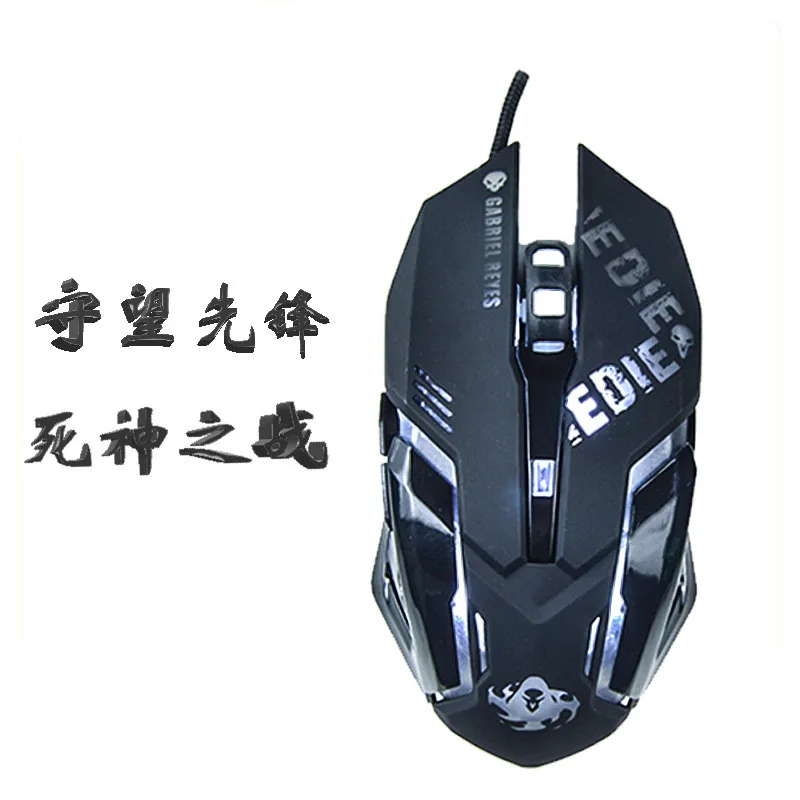
Color: Black,-DVA Blue
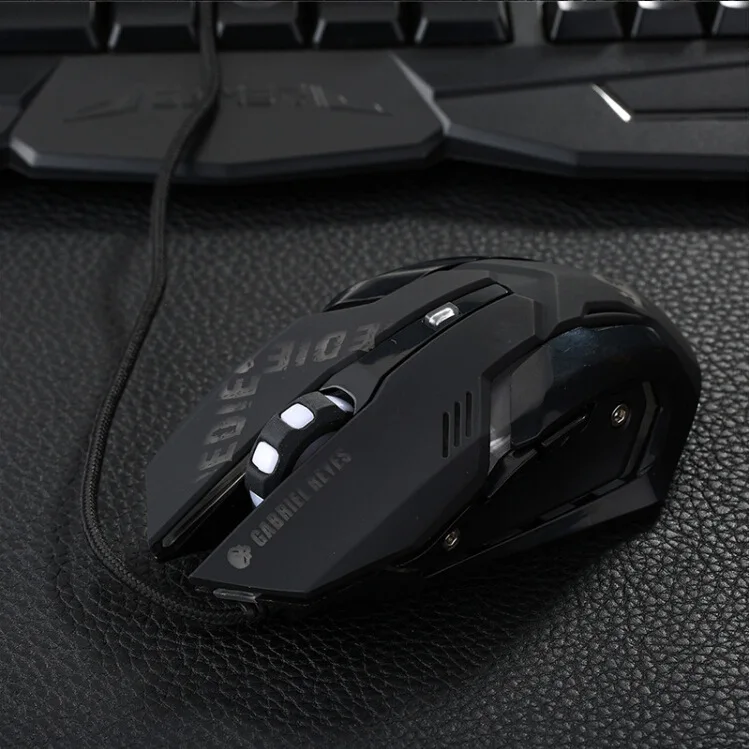
Connection Mode with Computer: Cable
DPI: 2400
Gross Weight: 150
Hand Orientation: Both Hands
High-concerned chemical: None
Interface: USB
Interface Type: USB
Key Number: 6
Length: 1.5
Number of Buttons: 6
Number of Rollers: 1 pcs
Operating Distance: 1.5
Operation Mode: Opto-electronic
Origin: Mainland China
Photoelectric Resolution: 2400
Power Type: Rechargeable
The Fastest Delivery Time: 1-3 Days
Type: Wired,Optical Mouse
Whether Ergonomics Is Supported: Support
Wireless Frequency: 2400DPI
Working Methods: Photoelectric
Product Display |
|

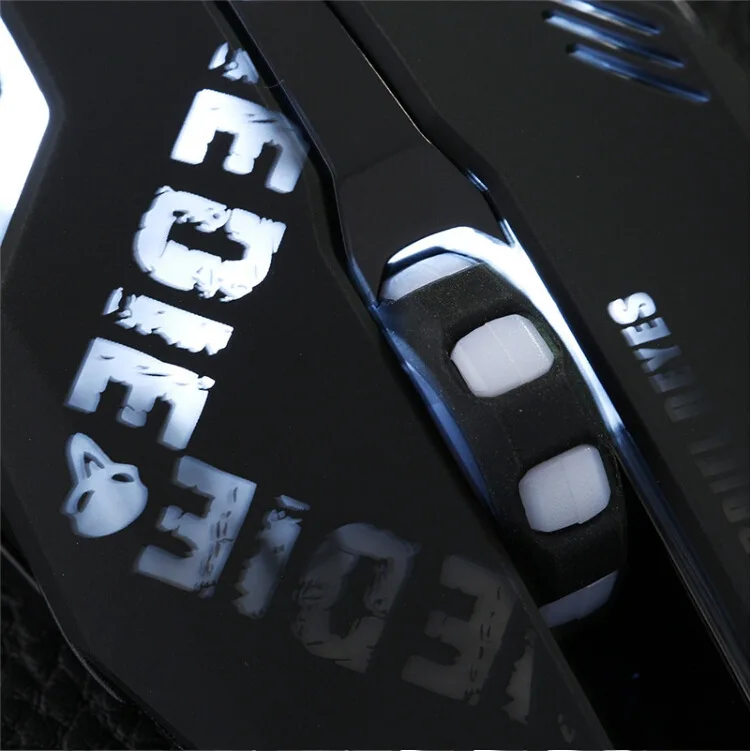
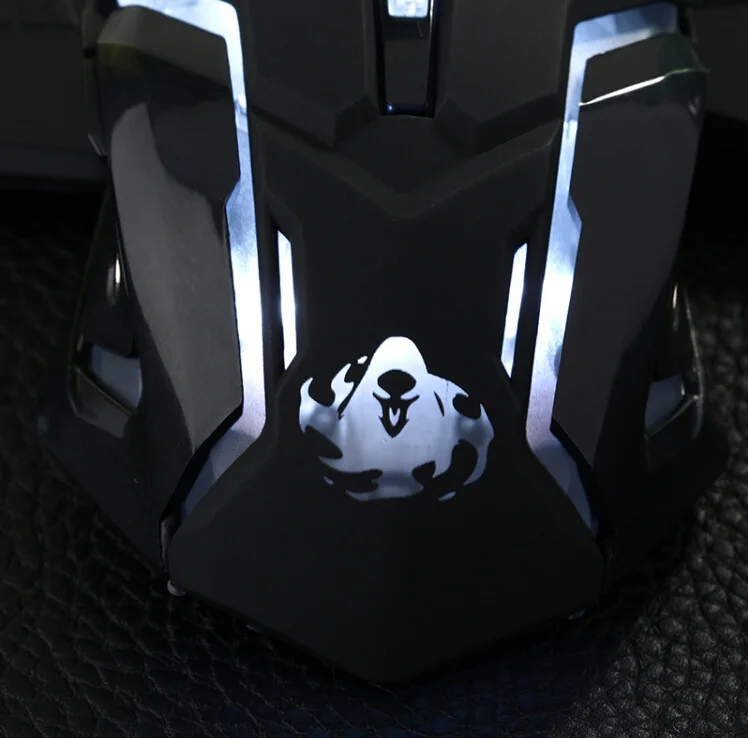
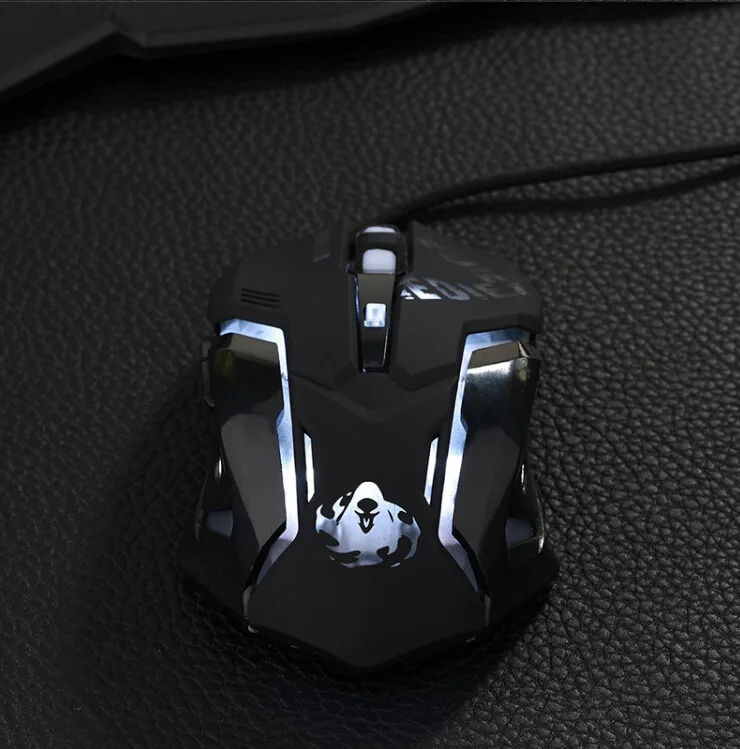
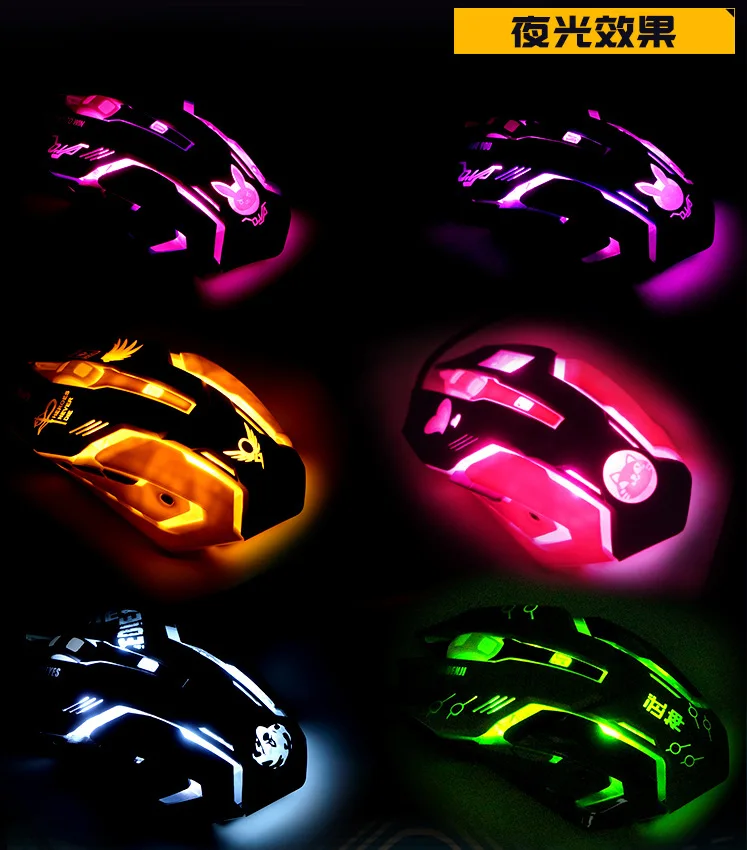


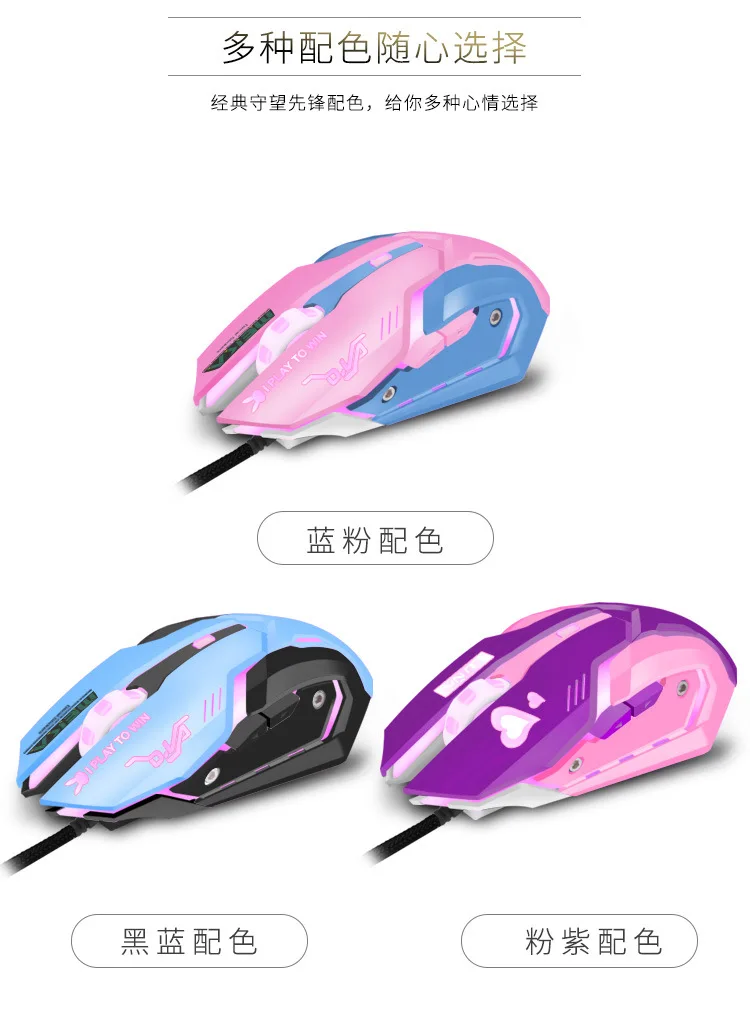
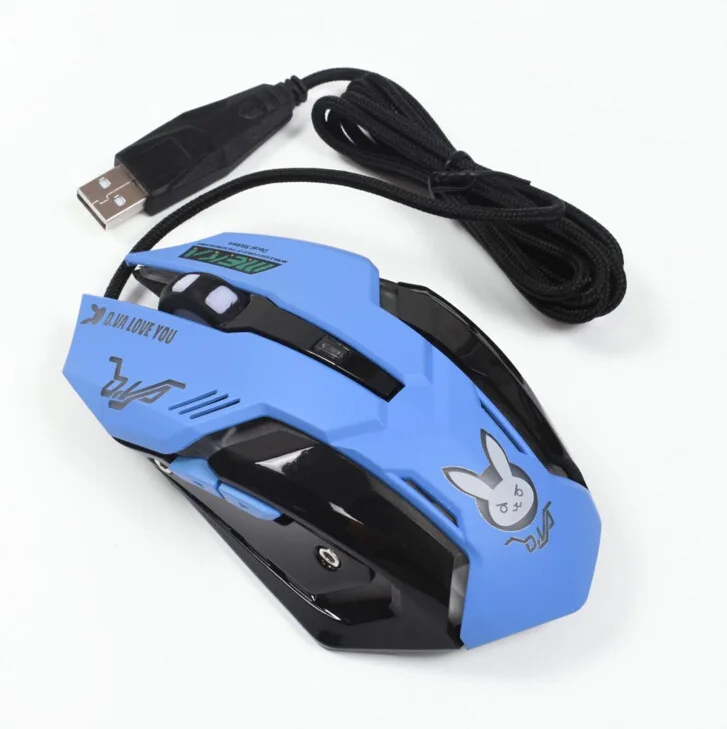
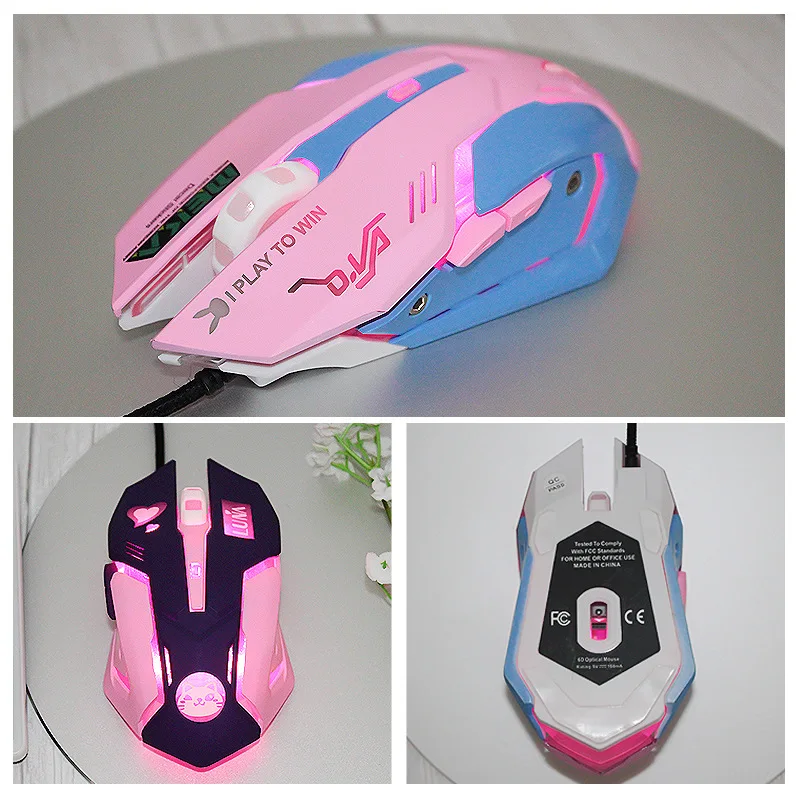

Product Parameters | ||||||||||||||||||||||||||||||
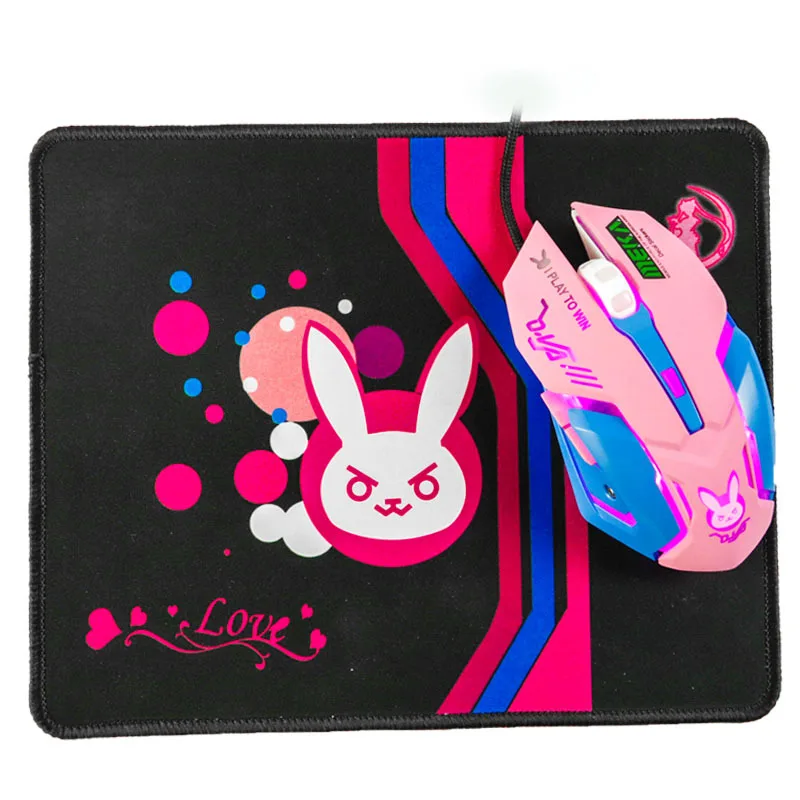
Weight of Single Mouse: 115 G/pcs, Packaging 30 G/piece |


Method of Use |
|
1. Connect the USB Cable to the Available USB Interface 2. There Is No Need to Install the Driver 3. Press and Hold the Left Button to Click and Double Click 4. Press and Hold the Right Button and a Shortcut Menu Will Appear. 5. Scroll the Roller Back and Forth to Move Files with Scroll Bars up and down |